ChatGPT Images 2.0: I tested 10 professional uses that will change how you create visuals
Are you still paying a graphic designer €300 for a product shoot? Or wasting 2 hours on Canva for a “decent” visual? ChatGPT Images 2.0 just launched — on April 21, 2026 — and it’s a serious game changer.
I tested it within 24 hours of launch. Here’s what I found, no hype, with concrete use cases.
What You Get in 30 Seconds (The Golden Summary)
ChatGPT Images 2.0 at a glance:
- Resolution up to 2,000 px (long side) — your visuals are finally print-ready
- Up to 8 images generated per prompt simultaneously
- Formats from 3:1 to 1:3, from wide banner to vertical story format
- Finally reliable text rendering in Japanese, Korean, Hindi, Cyrillic…
- A “reflection” mode where the AI searches the web before generating (reserved for paying subscribers)
- Character consistency maintained from one image to the next — ideal for storyboards or comics
Model under the hood: gpt-image-2. Available to all ChatGPT users, with advanced features reserved for Plus, Pro, Business, and Enterprise.
Why this is truly new (not OpenAI marketing)
For two years, AI image generation had a fatal flaw: the text in images was unreadable. You’d ask for a restaurant menu and get “enchirrito,” “burrto,” and other ghost words.
With Images 2.0, this problem is solved. I generated a poster with long text in multiple languages: clean, readable, and properly positioned. It’s a real leap forward.
Another key new feature: the “thinking” mode. Before drawing, the AI analyzes the request, searches for visual references on the web, and then generates. The result: more contextual images, less generic ones.
According to LM Arena, gpt-image-2 immediately took first place in all image generation categories, with a +242 Elo point lead over its closest competitor.
The golden rule: be specific or you’ll end up with stock photos
This is lesson number 1 that I learned after 24 hours of testing.
A vague prompt = a soulless generic image. A precise prompt = professional visual output.
What you should always include in your prompt:
| Element | Concrete Example |
|---|---|
| Context (what is it for?) | “Product photo for Shopify skincare page” |
| Style / Visual Reference | “Mediterranean aesthetic, golden hour magic light” |
| Color Palette (hex codes) | “#F5E6D3, #2C4A3E, pure white” |
| Actual Text (no lorem ipsum) | “Hydra Boost Serum, 30ml, INCI compliant” |
| Format / Ratio | “16:9 format, desktop banner” |
If you’re not familiar with photography terms (lens type, lighting conditions), ask ChatGPT itself to help you build the prompt. It’s a simple trick that makes all the difference.
The 4 professional uses that impressed me the most
1. Product shooting without a photographer
I created a complete lookbook for an imaginary skincare line: golden hour light, Mediterranean aesthetic, subtle human imperfections on the subjects. Every image looked like a real €2,000 photoshoot.
Immediate use case: test whether your product (apparel, cosmetics, food) sells visually before spending on actual production.
2. Creative directions for your video ads
Instead of briefing a motion designer blindly, I generated 8 visual directions for the same Shopify ad: Wes Anderson style, Nike, cinematic, Apple “shot on iPhone.” The cinematic and Nike styles were clearly the strongest.
Result: an ultra-precise creative brief for your agency, and you’ve saved several rounds of back-and-forth.
3. Realistic UI Mockups
Give ChatGPT Images 2.0: your app, a feature description, the target resolution, and the instruction “realistic data in each cell.” It generates 4 clean variations of a leaderboard screen. No more Figma for the first iterations.
4. Illustrations for your docs and decks
Editorial style, flat vector, limited palettes. Your one-pagers, business proposals, and presentations no longer look rushed. This is the most underrated use case for this tool.
The 4 Creative Bottlenecks It Solves (Without Hiring)
Every business, even a small one, faces the same roadblocks:
- Marketing content — visuals for social media, ads, landing pages
- Internal docs and decks — presentations you won’t be embarrassed by
- Visual Explanation — diagrams, infographics, educational illustrations
- Pre-production testing — product mockups, UI wireframes, creative directions
ChatGPT Images 2.0 takes on all four at once, for the price of a subscription you already have.
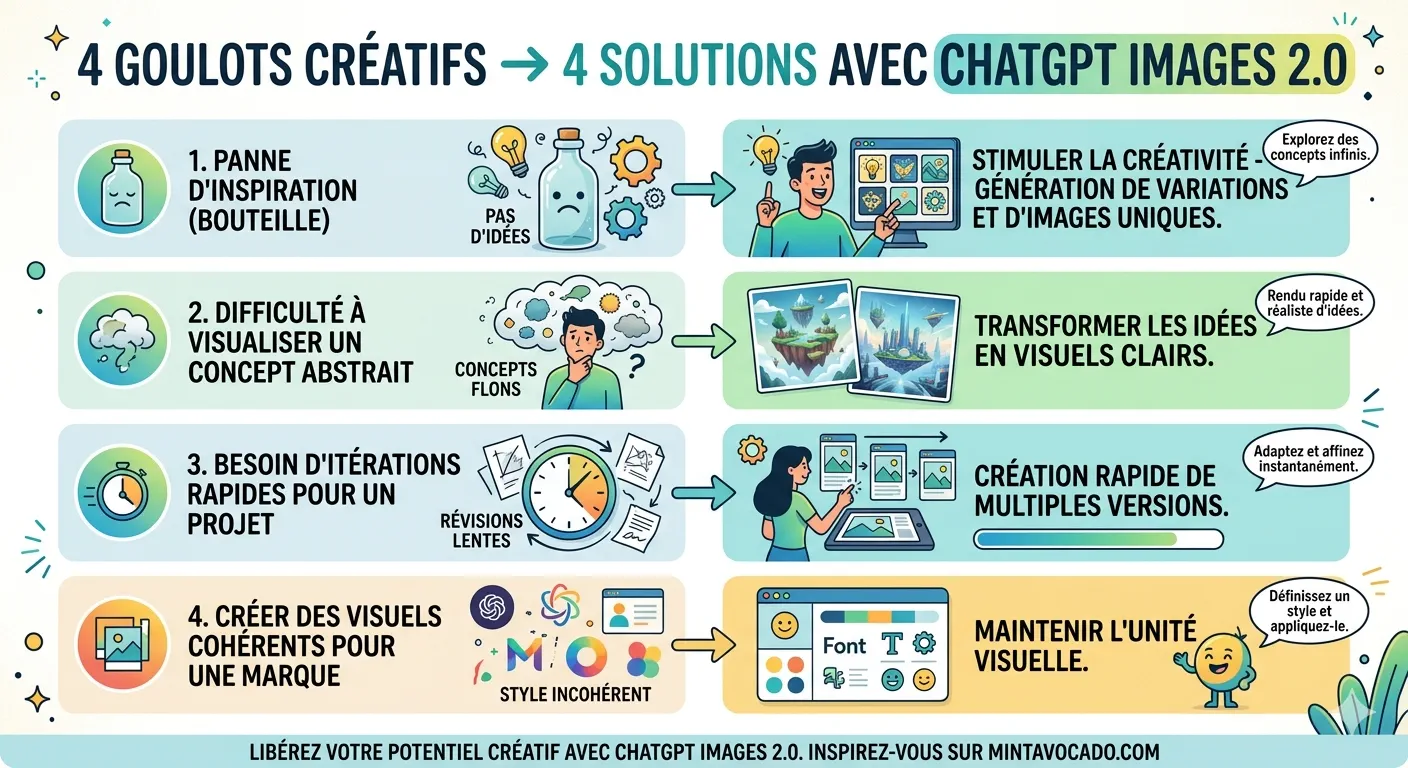
Infographic created with another model: limit reached on ChatGPT!
My top 3 use cases based on your profile
🥇 Solopreneur e-commerce
DIY product shooting. Generate your product visuals before printing or producing. Test styles, backgrounds, angles. Save thousands of euros.
🥈 Consultant / Trainer
Illustrations for your materials. No more ugly slides with cliparts. Visually polished business proposals, without needing a graphic designer.
🥉 Marketing Manager
Creative direction for your agencies. Generate your visual briefs in 10 minutes. Show exactly what you want instead of writing it in 2 pages.
How to Access ChatGPT Images 2.0
| Plan | Images 2.0 Access | “Reflection” Mode |
|---|---|---|
| Free | ✅ Yes | ❌ No |
| Plus / Pro | ✅ Yes | ✅ Yes |
| Business / Enterprise | ✅ Yes | ✅ Yes |
| API (Developers) | ✅ Via gpt-image-2 | ✅ Thinking parameter |
Direct access: open ChatGPT, look for the Images tab in the sidebar.
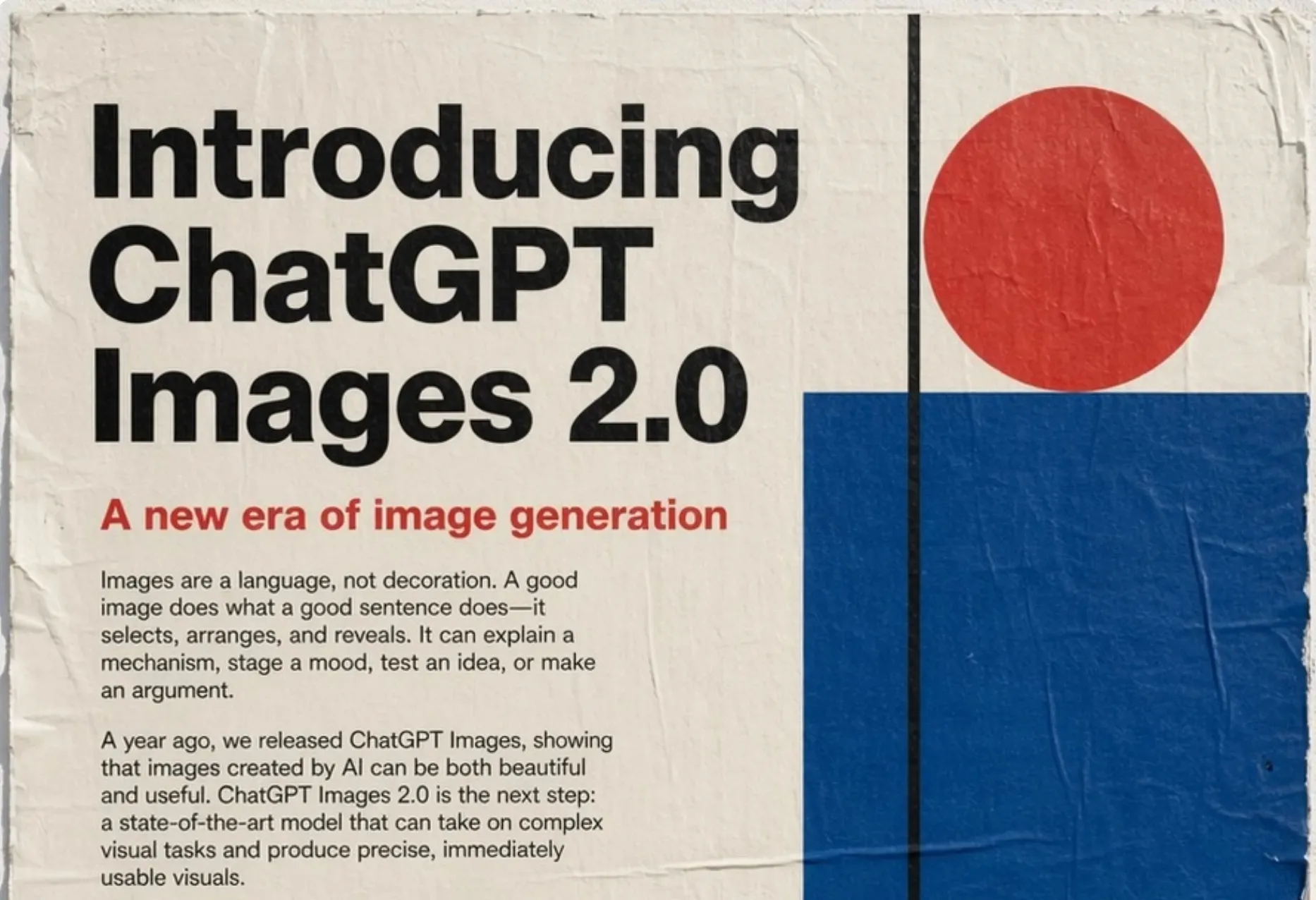
Frequently Asked Questions about ChatGPT Images 2.0
Is ChatGPT Images 2.0 free?
Yes, basic access is available to all ChatGPT users at no extra cost. The “reflection” mode (which searches the web before generating) is reserved for paying subscribers (Plus, Pro, Business, Enterprise).
What is the maximum resolution of ChatGPT Images 2.0?
The gpt-image-2 model generates up to 2,000 px on the long side by default. Some sources mention outputs up to 4096×4096 depending on the configuration. That’s enough for print and high-definition web display.
How many images can you generate in a single prompt?
Up to 8 images simultaneously, with consistent style maintained across them. Perfect for testing multiple creative directions in a single request.
Can ChatGPT Images 2.0 write readable text inside images?
This is one of the major improvements. The model now handles entire paragraphs, correctly positioned, in Japanese, Korean, Hindi, Cyrillic, Chinese — not just English.
How to get better images than DALL-E?
The key: be ultra-specific. Camera type, lighting conditions, hex color code, real text (no lorem ipsum), target ratio. A lazy prompt gives you stock photos. A crafted prompt delivers pro-grade output.
Is ChatGPT Images 2.0 better than Midjourney?
According to LM Arena (an independent ranking), gpt-image-2 takes first place in all image generation categories with a +242 Elo point lead over its competitors. Its main strength: multilingual text rendering and precise instruction following.

Leave a Reply