
I Automated My Entire Solopreneur Email Marketing – Here is the Tech Stack and Workflow I Use in 2026
The Result at a Glance
- What I automated: welcome sequence, content emails, lead magnet follow-ups, recurring sales emails, and new article notifications.
- The winning tech stack: MailerLite (email marketing) + n8n (connections and triggers) + Claude/GPT (writing and personalization).
- Time saved: about 6 to 8 hours per week previously spent manually sending, segmenting, and writing.
- Business result: an average open rate of 38% and a 22% increase in conversions on my affiliate funnels, all while spending less than 30 minutes a week managing it.
Automating email marketing is not a luxury for a solopreneur with free time. It is a necessity for the one who has none. I went from 4 daily hours of manual management to a system that runs almost entirely on autopilot. Here is exactly how.
Why Email Automation Changes Everything for a Solopreneur
As a solopreneur, your time is your only non-renewable resource. Every minute spent copy-pasting emails, manually segmenting a list, or writing a weekly newsletter from scratch is a minute you are not spending building your offer, finding clients, or developing affiliate partnerships.
I resisted automation for a long time. I thought it was impersonal, that my subscribers would sense a robot. Classic beginner mistake. In reality, a well-thought-out email marketing automation 2026 strategy is not less human. It is more reliable, more consistent, and it frees you to do what only you can do: deliver unique value in your manual emails.
What Changed for Me
| Before Automation | After Automation |
|---|---|
| 4h/day email management | 30 min/week management |
| Irregular sending | 100% schedule consistency |
| Open rate ~22% | Open rate ~38% |
| No sales sequence | Complete automated funnel |
| Unsegmented lists | Dynamic segments |
The difference doesn’t just come from saved time. It comes from consistency. An email sent at a fixed time, every single time, without you having to think about it, is a touchpoint that continuously builds your relationship with your audience.
The Tech Stack I Use to Automate Solopreneur Email Marketing
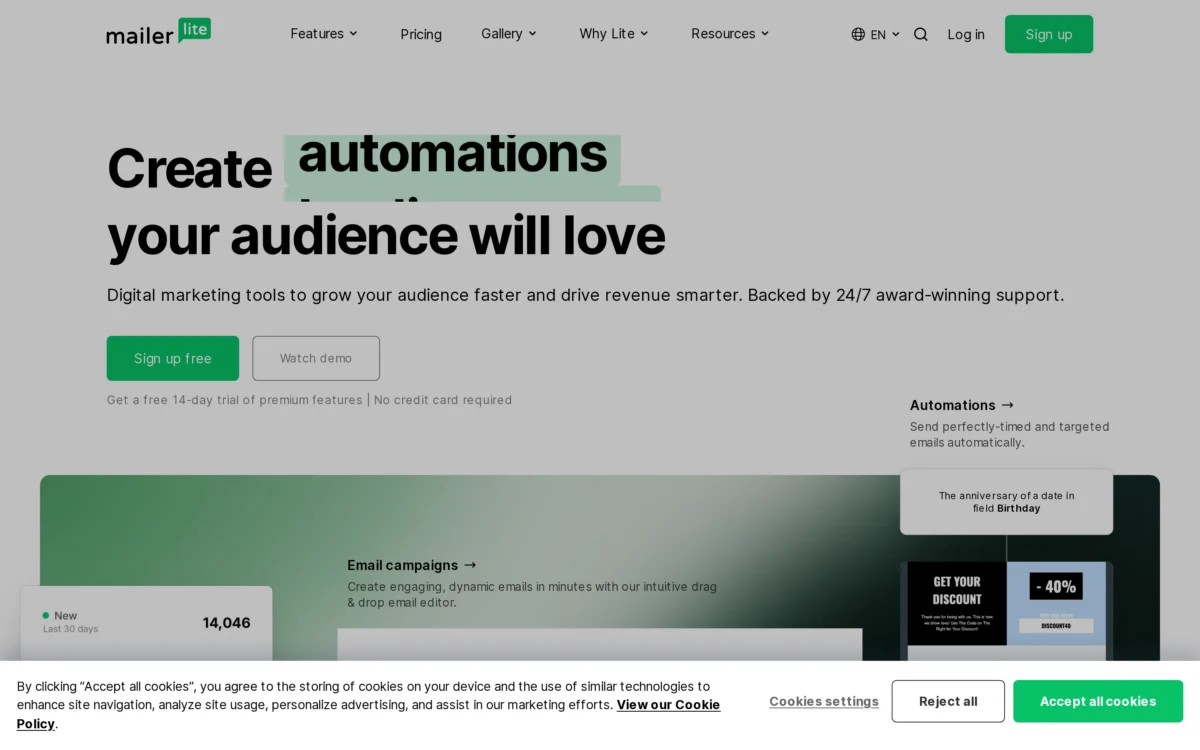
There are dozens of tools out there. I’ve tested a good portion of them. Here is the one that holds up for a solopreneur who wants a real system, not an overly complex structure.
MailerLite – The Core Engine
I’ve been using MailerLite for two years and haven’t found a reason to switch yet. It’s the perfect balance of power, simplicity, and pricing for a solopreneur.
What I like:
- The visual editor is fast, with no steep learning curve
- Automations (triggers, conditions, branching) are solid enough for 80% of use cases
- The free plan goes up to 1,000 subscribers – perfect for starting out
- Native landing pages eliminate the need for an extra tool
What is missing:
- Advanced nodes (webhooks, complex conditional logic) are limited – that’s where n8n comes in
n8n – The Universal Connector
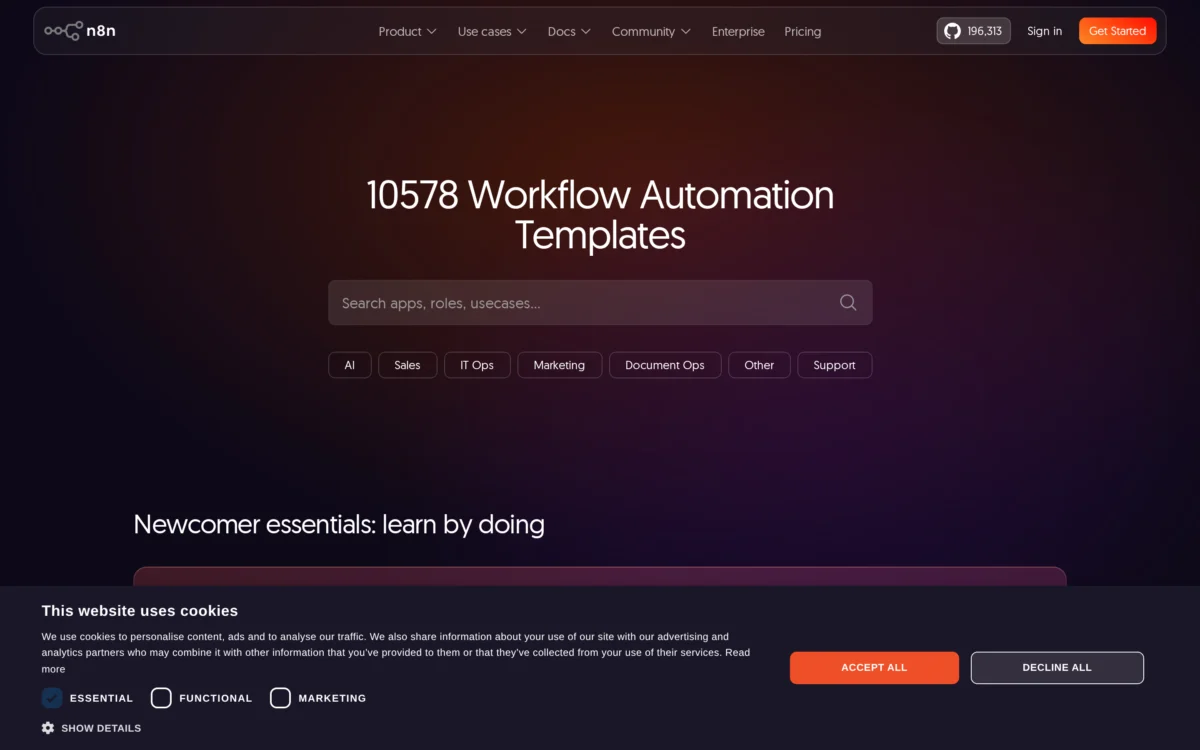
n8n is the glue between my entire setup. Where MailerLite stops (webhooks, data transformation, multi-source triggers), n8n takes over.
Concrete use cases in my workflow:
- When an article is published on WordPress, n8n fetches the content, summarizes it via Claude, and creates an email campaign in MailerLite
- When a subscriber clicks a specific link, n8n adds them to a different sales sequence
- Daily sync between my Notion CRM and my MailerLite segments
Claude / GPT – AI-Assisted Writing
I don’t automate writing 100%. But I use Claude (and sometimes GPT-4o) to:
- Create sequence templates (welcome, lead magnet, sales)
- Write A/B test variations for subject lines and preheaders
- Tailor content complexity based on subscriber segments (beginner vs. advanced)
The key: I never copy-paste without reading and adapting. AI writes a first draft, and I refine it with my own voice and personal anecdotes.
Comparison: MailerLite vs Brevo vs ConvertKit

You’re probably wondering if another tool might be better suited to your situation. Here is what I found after testing all three for several months.
| Criteria | MailerLite | Brevo | ConvertKit |
|---|---|---|---|
| Free plan price | Up to 1,000 subscribers | 300 emails/day (limited) | Up to 1,000 subscribers |
| Price for 1,000 subscribers | ~/month | ~/month | ~/month |
| Visual automations | Full visual builder | Email-by-email builder | Basic visual builder |
| Native webhooks | Limited | Yes (API) | No |
| Landing pages | Yes, included | Yes, included | No (3rd party integration) |
| Dynamic segmentation | Very good | Good | Excellent |
| Affiliate program | Yes, 30% recurring | Yes, 20% recurring | Yes, 30% recurring |
| Best for | Budget-conscious solopreneur | SME with built-in CRM | Content creators |
My advice: If you’re starting out, MailerLite offers the best value for money. If you need SMS or a built-in CRM, look into Brevo. If you sell courses or digital products, ConvertKit remains very strong for creative audience segmentation.
How I Built My Email Automation Workflow Step by Step
Step 1: The Automated Welcome Sequence
This is the first automation to set up. A new subscriber joins, and they receive a sequence establishing the relationship without you having to lift a finger.
My typical sequence:
- Day 0 – Welcome email: thank you + what to expect + link to my most popular article
- Day 1 – Lead magnet email: free download + short introduction to my expertise
- Day 3 – Value email: a concrete, free tip solving a real problem
- Day 7 – Offer email: initial invitation to an offer or affiliate product
Trigger: New subscriber (MailerLite native). No need for n8n here.
Step 2: Automated Article Publishing
When I publish an article on mintavocado.com, I want my email list to be notified automatically. Here is the n8n workflow I use:
- WordPress Webhook: n8n detects publishing (“publish” status)
- Content fetching: n8n extracts the H1, excerpt, and featured image
- Claude API Call: n8n sends the summary to Claude with the prompt: “Write a 3-paragraph email announcing this article to solopreneurs, with an expert yet accessible tone”
- Campaign creation: n8n creates an email campaign in MailerLite via API with the generated content
- Scheduled send: the campaign is scheduled for the next day at 8:00 AM
Step 3: Intelligent Lead Magnet Follow-Ups
A subscriber downloads a lead magnet (checklist, template, PDF guide). I want to follow up with complementary value.
With n8n:
- The MailerLite form sends a webhook to n8n with the downloaded lead magnet tag
- n8n triggers a specific sequence (3 emails over 10 days) via the MailerLite API
- On day 10, if the subscriber hasn’t clicked a sales link, n8n switches them to an alternative nurturing sequence
Mistakes I Made So You Don’t Have To
Mistake #1: Automating too much, too fast. I built 12 sequences in one weekend. Result: overlapping emails, inconsistent tone, and subscribers receiving the same content twice. Go step by step. Build one sequence per week, validate, and adjust.
Mistake #2: Neglecting personalization. Automation does not replace relevance. If you send a beginner sales sequence to an advanced subscriber, you lose them. Use tags and dynamic segmentation from day one.
Mistake #3: Ignoring A/B tests. I sent email subject lines without testing them for six months. The day I started A/B testing subject lines, my open rate jumped from 22% to 38%. Test two subject lines on every automated email.
Best Practices for High-Converting Email Marketing Automation
- Segment before automating. A sequence for everyone = a sequence for no one. Create at least two sub-groups (e.g., beginner vs. advanced, or prospect vs. customer).
- Keep it concise. In 2026, no one has time to read 1,500 words per email. Aim for 300 to 500 words maximum per message.
- One CTA per email. Don’t offer three choices. One link, one button, one clear action.
- Clean your list regularly. Remove inactive subscribers after 90 days without opens. A small engaged list converts better than a large dead list.
- Review your automations every 6 months. Your offers evolve, your articles change, links expire. A semi-annual audit prevents bad surprises.
FAQ: Everything About Solopreneur Email Marketing Automation
Is email automation really suitable for a beginner solopreneur?
Yes, and it is actually the best time to start. You don’t need 10,000 subscribers to automate. With as few as 100 subscribers, an automated welcome sequence saves time and professionalizes your communication. Keep it simple: a 3-email sequence for your lead magnet, a new post notification email, and you’ll already reap 80% of the benefits.
Which email automation tool to choose on a tight budget?
MailerLite is clearly the best value for money. Its free plan covers up to 1,000 subscribers, and paid plans start around /month. You get visual automations, landing pages, and API access to connect n8n. Brevo can be interesting if you need SMS, but pricing increases quickly.
Can you really automate email copywriting with AI?
Yes, but not without supervision. I use Claude and GPT to draft first passes, create A/B variations, and tailor content by segment. But every email is reviewed and adapted before sending. AI replaces writing time, not editorial judgment.
Do you need n8n, or is MailerLite’s native automation enough?
Native MailerLite covers 80% of a solopreneur’s needs: sequences, simple conditions, tags. n8n becomes essential when you want to connect MailerLite to other tools (WordPress, Claude, Notion, Stripe) or build more complex logic (multi-condition triggers, cross-syncing). Start without n8n, then add it when you hit a limitation.
How long does it take to set up complete email automation?
Expect 2 to 3 hours for your first welcome sequence if you’re a beginner. The entire workflow described in this article (welcome + articles + lead magnets + follow-ups) took me about two weeks to implement, spending 1 hour per day. The longest part isn’t technical: it’s writing the email content. AI cuts that time in half.
Going Further
Now that you have the stack and workflow, here are the next articles to read to dive deeper:
- Automating Customer Relations: My 3-Pillar Framework – The strategic framework deciding what to automate and what to keep human.
- How I Use n8n to Connect All My Solopreneur Tools – The complete guide to my automation hub.
- MailerLite vs ConvertKit vs Brevo: The 2026 Solopreneur Showdown – Detailed analysis of all three solutions.
And if you want to discuss your own email automation setup, join the Mintavocado Discord. I share my templates and answer questions live.
Join the Mintavocado newsletter – every week, a solopreneur guide like this one delivered straight to your inbox




Leave a Reply